Dhunn
A free music player for the songs stored on your phone. No account, no sign-up.
Version 2.43.0 · 12 MB · Android · Free
Features
Dhunn is built around the music already on your device. Most features work without an internet connection.
Offline playback
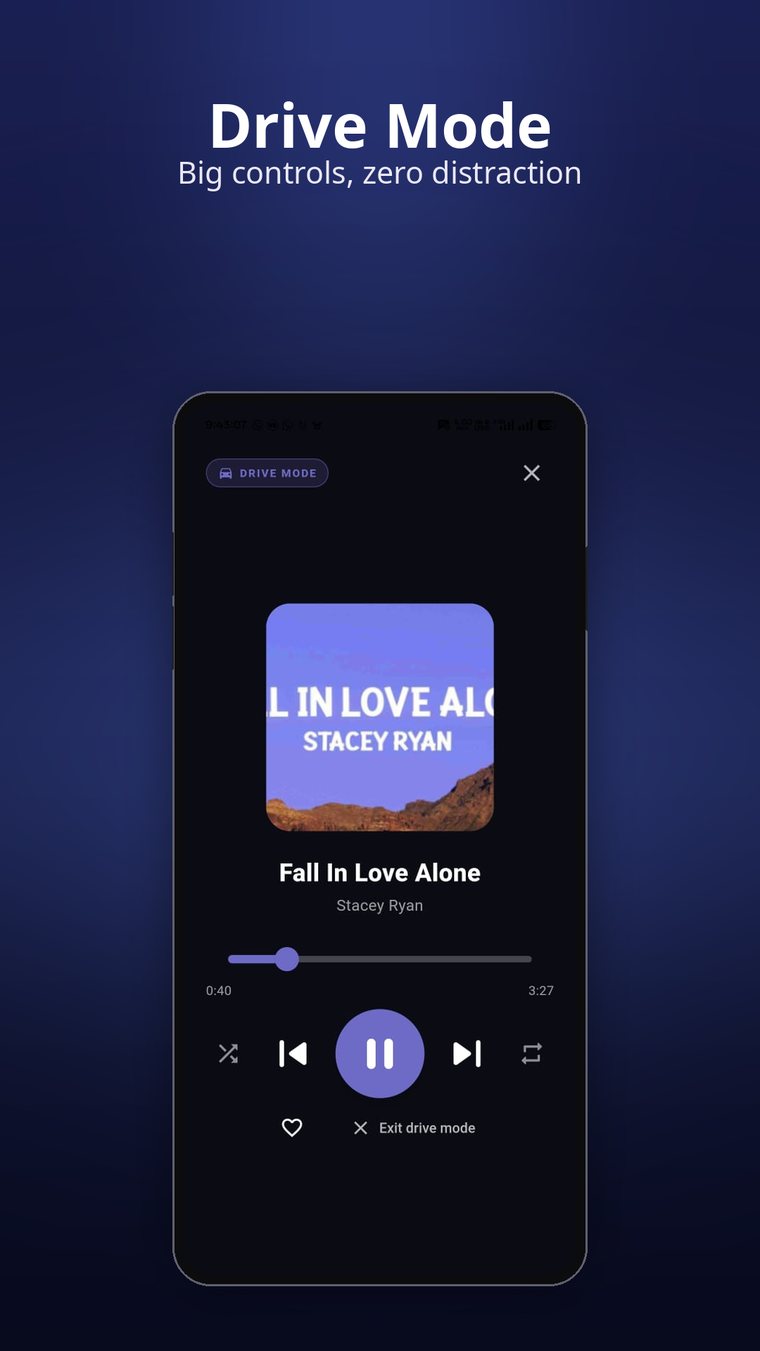
Plays the audio files stored on your phone, with playlists and liked songs.
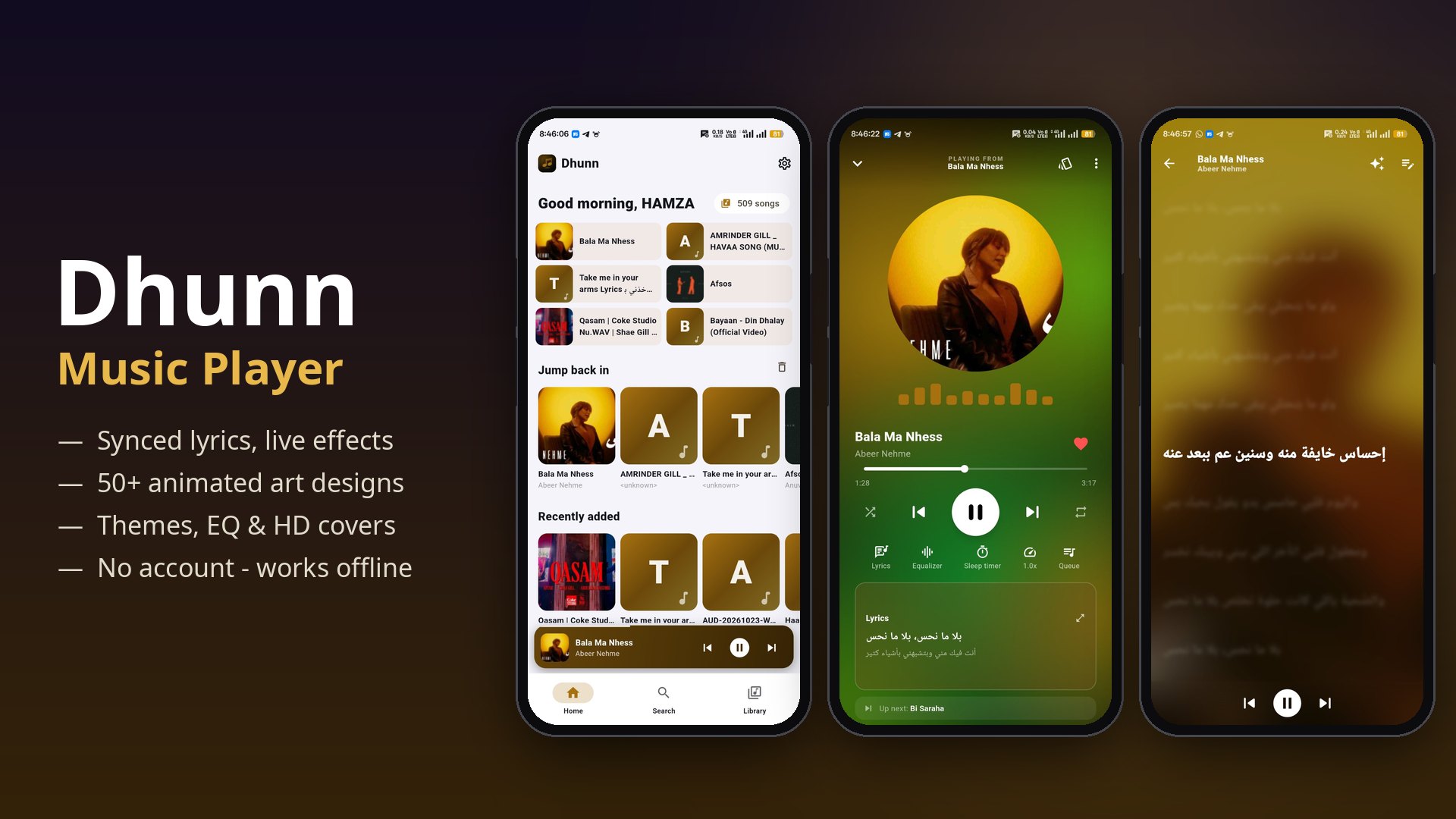
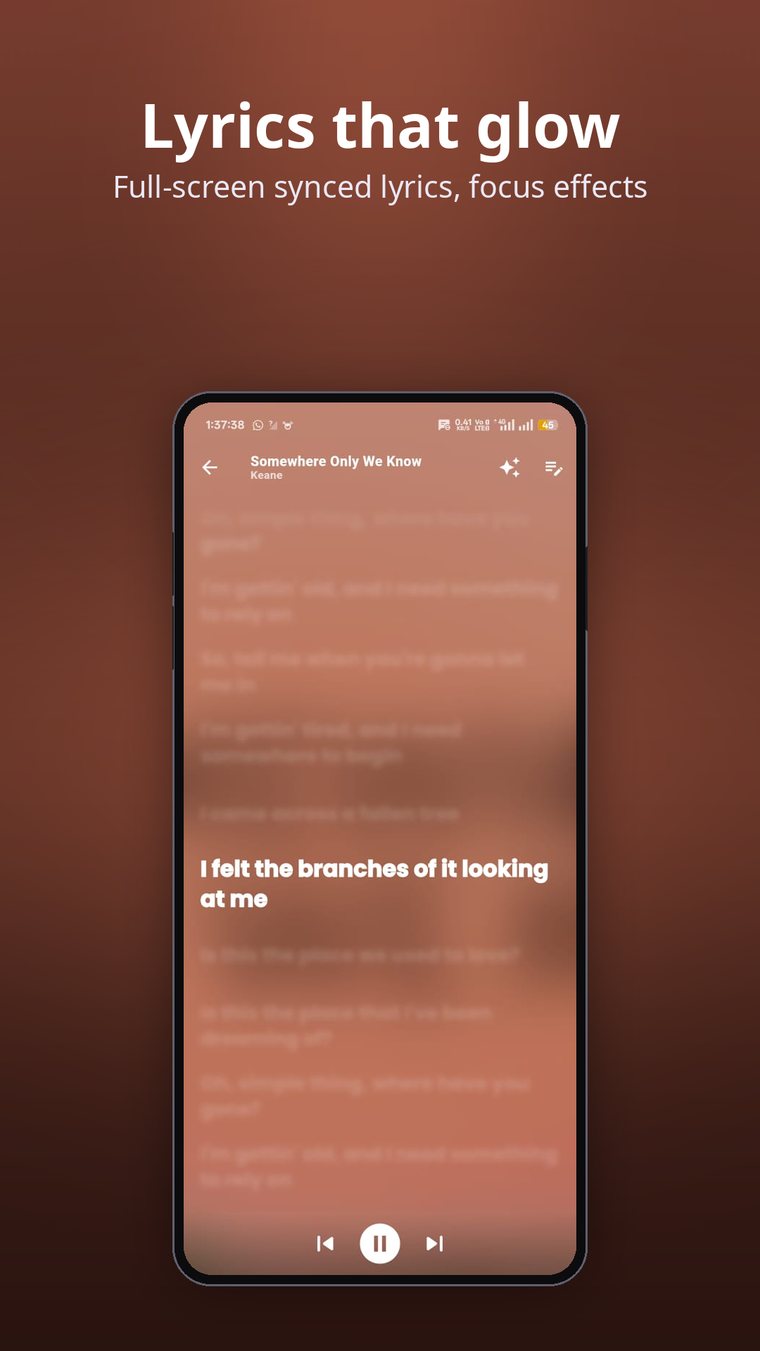
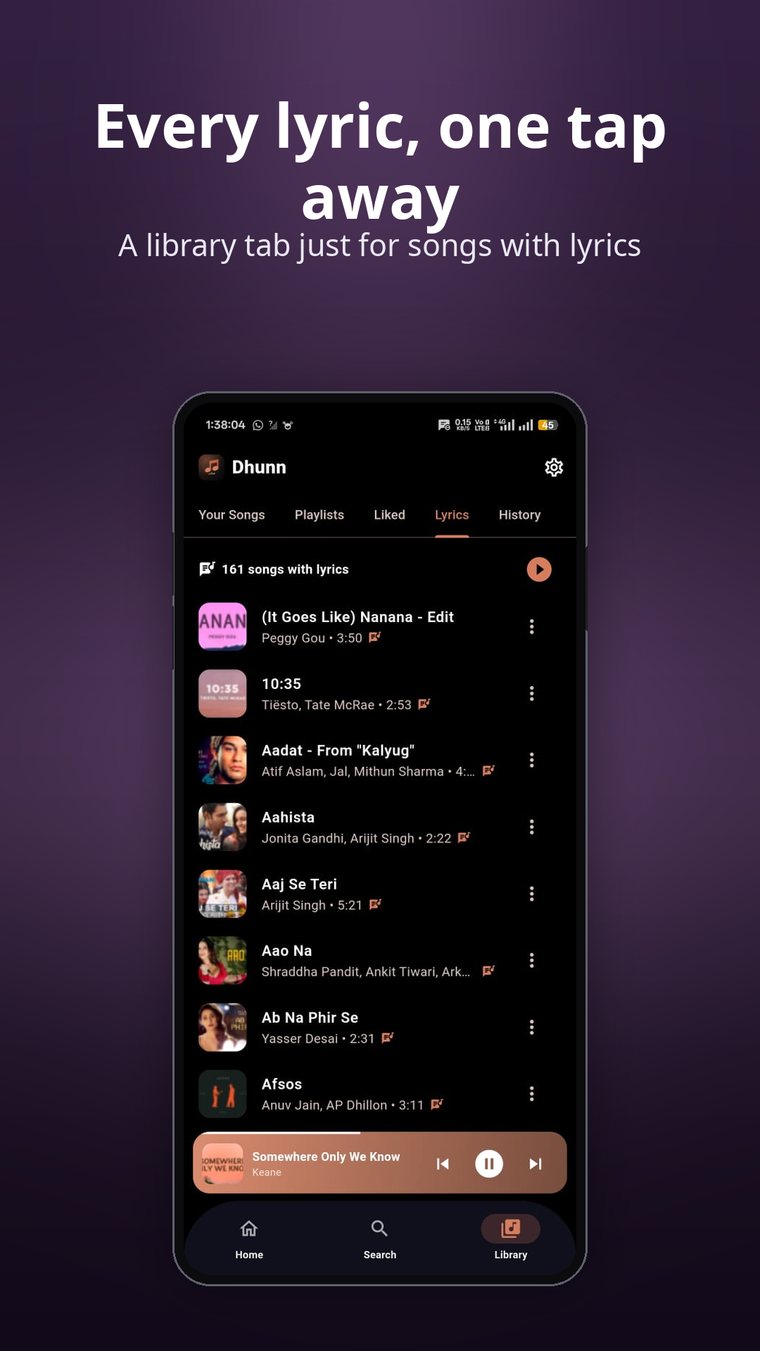
Synced lyrics
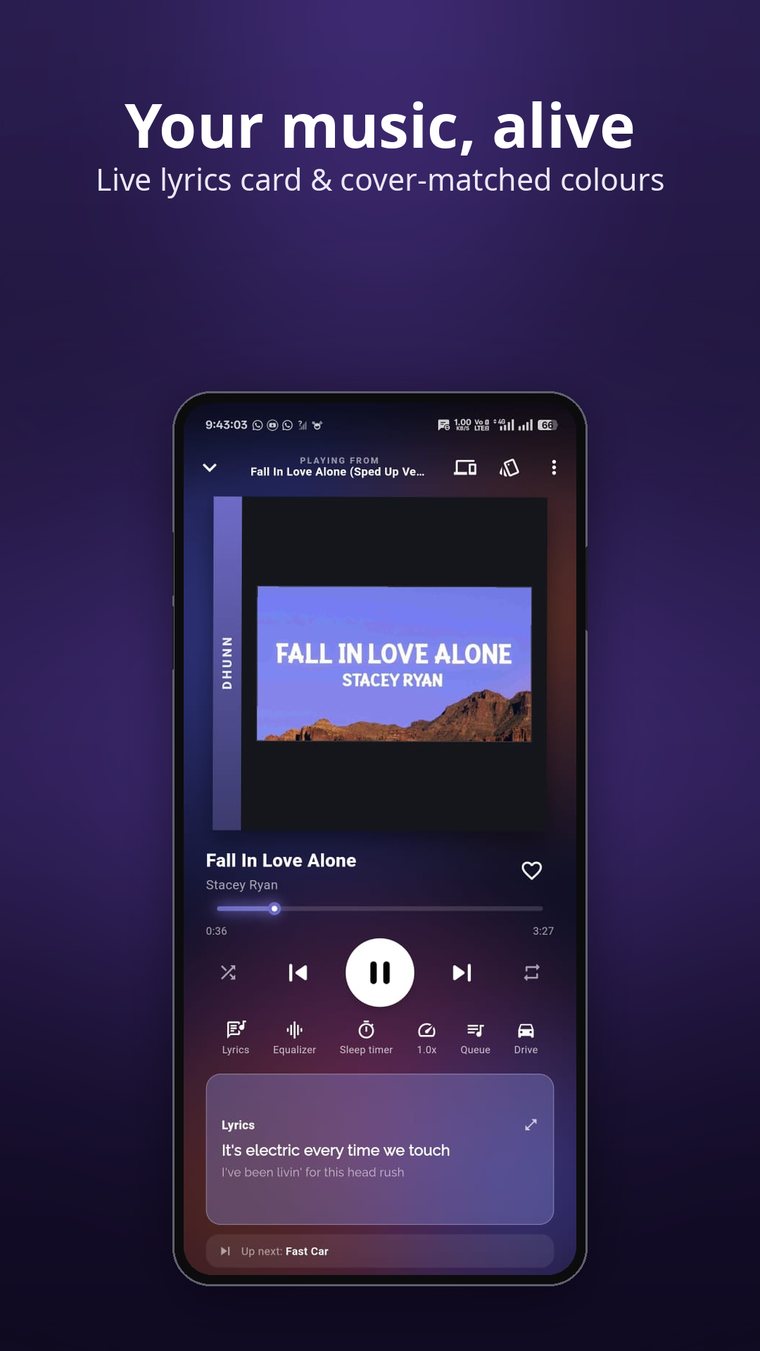
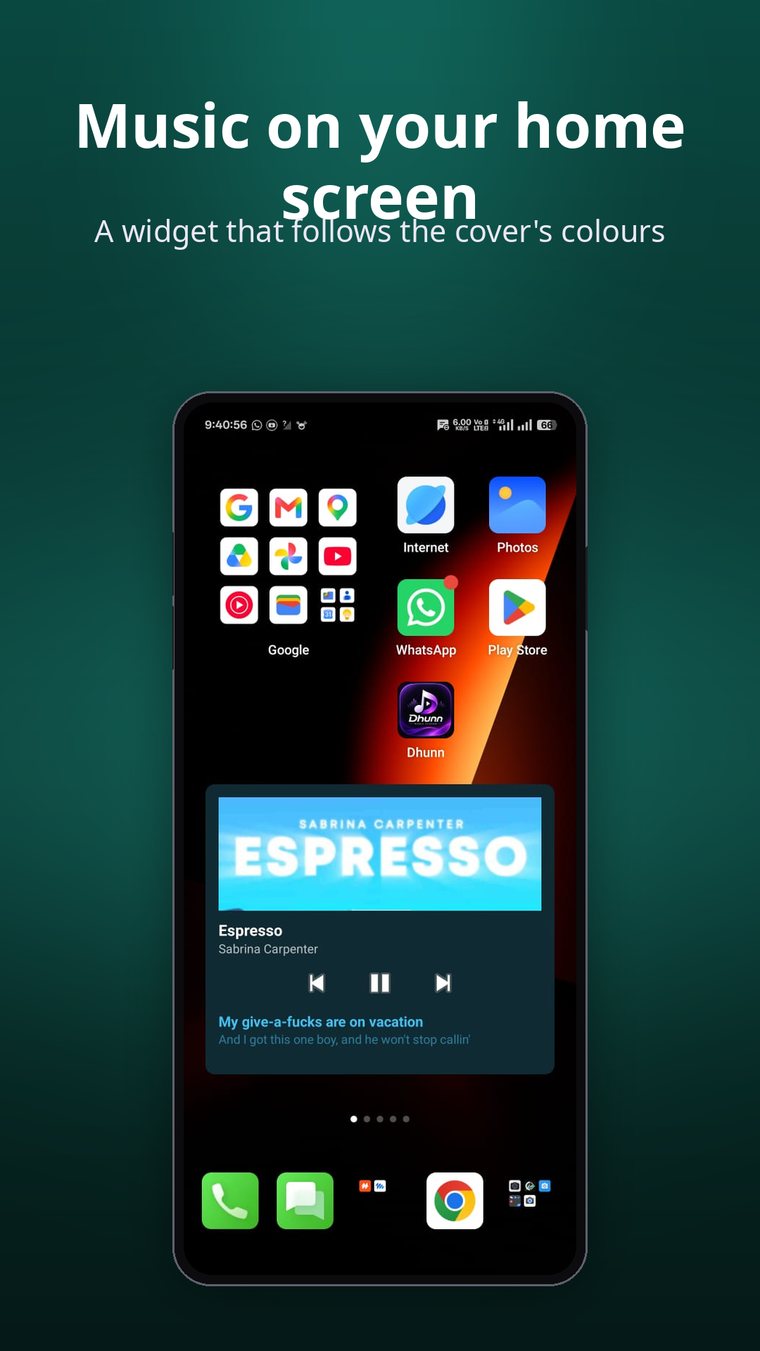
Lyrics scroll in time with the song. Downloaded lyrics are stored on the phone and work offline.
Roman lyrics and translation
Lyrics can be shown in Roman script with a translation, fetched from several sources.
YouTube Music search
Search YouTube Music from inside the app. Songs play in the official YouTube player.
Equalizer and AutoEQ
Equalizer with your own saved presets, bass boost and AutoEQ profiles for popular headphones.
Album art designs
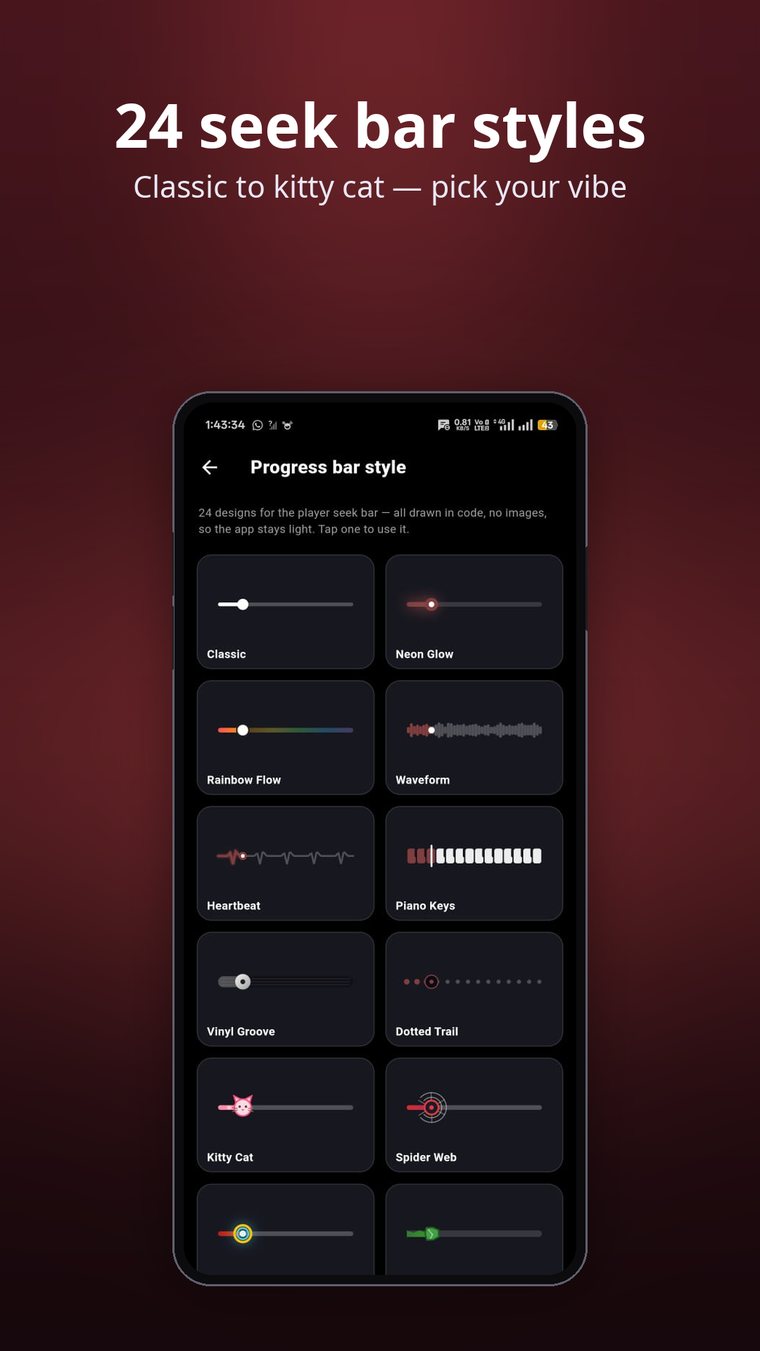
A choice of animated album-art designs for the player screen, with HD covers fetched automatically.
Music Report
Your total plays, listening time, top songs and top artists, counted on the device.
Today's Mix
A playlist generated each day from your listening, shown on the Home screen.
Ringtone maker
Trim part of a song and set it as your ringtone, from the song menu.
Duplicates cleaner
Finds duplicate songs in your library and removes them in one pass.
Share card
Creates an image card for a song, sized for status and stories.
Resumable downloads
Cover and lyrics downloads run in the background and resume after interruptions.
Cast to TV
Plays your music on a TV over your home network using DLNA.
Playlist import
Imports playlists from other apps and matches them to songs in your library.
Privacy
No account and no tracking. Your library and listening data stay on your phone.
Screenshots
What's new
The app tells you when a new version is available to download.
- Music Report: total plays, listening time, your top songs and top artists, on the Home screen
- Animated Home, Search and Library icons — can be turned off in Settings
- The Library shows your total song count at the top
- Fixed: the song menu scrolls, so Delete is always reachable
- Removed: song recognition
- YouTube Music songs now play in the official YouTube player
- Lyrics in Roman script with translation, from more sources
- Downloads resume where they stopped
- Cast your music to the TV (DLNA)
- Import playlists from other apps
- YouTube Music search built in
- AutoEQ equalizer profiles for popular headphones
- More lyrics sources
How to install
Download
Tap Download and wait for the 12 MB APK file to finish downloading.
Install
Open the downloaded file. If Android asks, allow "Install unknown apps" for your browser once, then tap Install.
Open Dhunn
Allow the Music and audio permission. Your library is added automatically.
Support
For help or feedback, message on Telegram. New versions and videos are posted on YouTube.